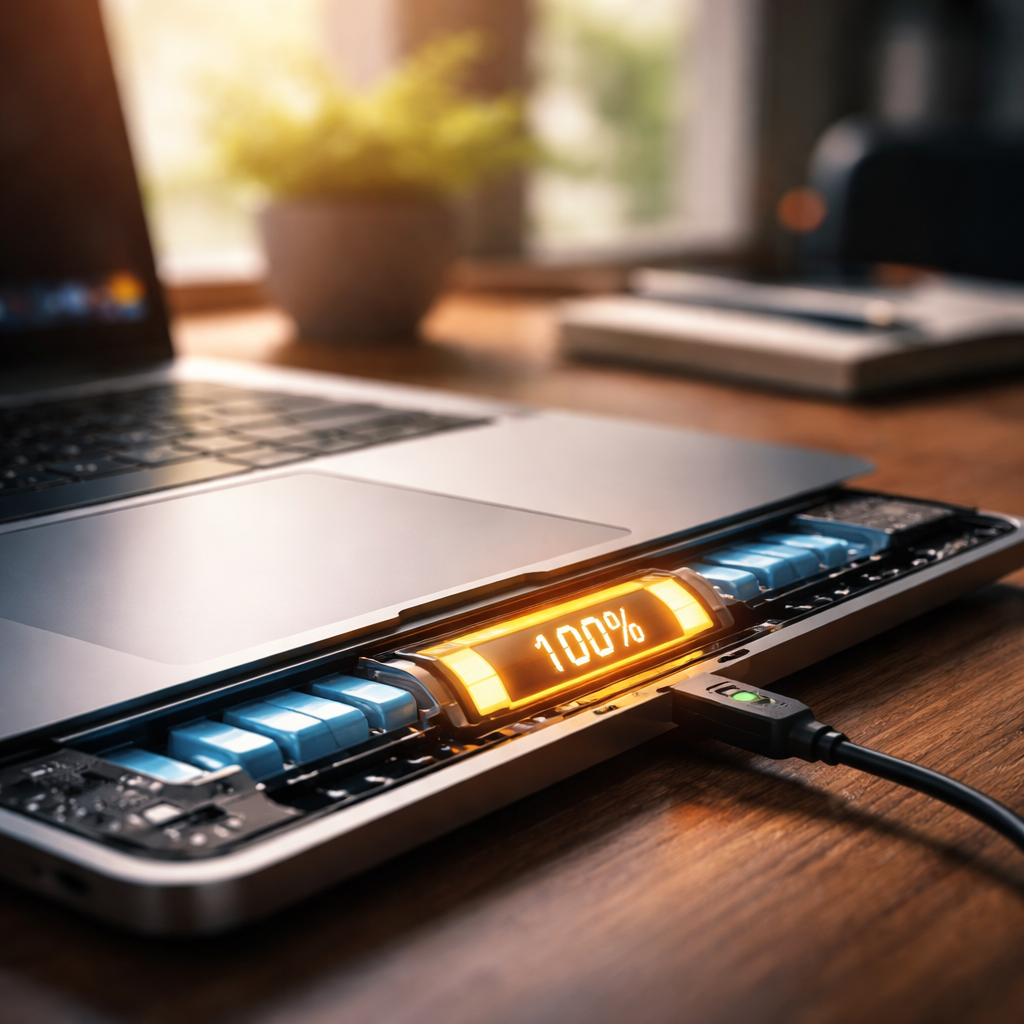
Most people who work from a desk have wondered at some point: is it safe to leave a laptop plugged in all the time? The short answer is — it depends heavily on the laptop model, battery technology, and how the device manages power. But the longer answer is far more interesting and worth understanding properly.
What actually happens inside the battery when you keep it charging
Modern laptops predominantly use lithium-ion or lithium-polymer batteries. These chemistries behave very differently from the old nickel-cadmium batteries that older generations of users might remember. With lithium-based cells, the primary concerns are heat accumulation and prolonged high charge states — not the simple act of staying plugged in.
When a lithium-ion battery reaches 100%, most laptops stop actively charging and begin drawing power directly from the adapter. The battery essentially sits idle. This sounds harmless, but the problem is that batteries left consistently at full charge experience what engineers call “high voltage stress,” which gradually degrades the cell’s capacity over time.
Heat is the real enemy, not the charger itself
Battery longevity research consistently points to one factor above all others: temperature. A battery operating at elevated temperatures — say, when a laptop is placed on a bed, a pillow, or any surface that blocks ventilation — ages significantly faster than one kept cool. Combine constant full charge with heat, and you accelerate battery wear considerably.
Battery University, a well-known resource on battery technology, notes that a lithium-ion cell kept at 40°C and 100% charge loses roughly 35% of its capacity in a year. The same battery kept at 25°C retains far more of its original performance.
This is why laptop placement matters just as much as charging habits. Keeping the device on a hard, flat surface with clear airflow dramatically reduces thermal stress on internal components.
How manufacturers have responded to this problem
The good news is that laptop makers are well aware of battery degradation, and most modern devices now include built-in battery care features. These tools allow users to cap the maximum charge level — typically at 80% — which meaningfully extends the battery’s overall lifespan.
| Brand | Battery care feature | Where to find it |
|---|---|---|
| Lenovo | Conservation Mode | Lenovo Vantage app |
| ASUS | Battery Health Charging | MyASUS app |
| Dell | Custom Charge | Dell Power Manager |
| Apple | Optimized Battery Charging | System Settings → Battery |
| HP | Adaptive Battery Optimizer | HP Command Center |
If your laptop has one of these options, enabling it is one of the most effective steps you can take. The difference between consistently charging to 100% versus 80% can add years to a battery’s useful life.
Practical habits that actually make a difference
You do not need to obsess over every percentage point or unplug your charger at precise intervals. Battery management should be low-effort and sustainable. A few straightforward adjustments go a long way.
- Enable the battery charge limit in your laptop’s software if the option is available.
- Use your laptop on a desk or stand rather than on soft surfaces like beds or couches.
- Avoid leaving the laptop in direct sunlight or inside a closed bag while charging.
- If you primarily use your laptop plugged in, consider removing the battery if your model allows it — though very few modern designs support this.
- Let the battery discharge to around 20–40% occasionally rather than keeping it perpetually at maximum charge.
None of these steps require constant attention. Setting them up once and building a light habit around laptop placement covers the vast majority of what matters for battery health.
When leaving it plugged in is perfectly fine
Context matters a great deal here. If you use your laptop as a desktop replacement — meaning it almost never leaves your desk and you rarely rely on battery power — then maximizing battery longevity may not even be a priority. A laptop battery that degrades over three years instead of five is not a crisis if you replace or upgrade the device on a regular cycle anyway.
Similarly, if portability is essential to your workflow and you genuinely depend on battery runtime, then treating the battery more carefully becomes worth the small effort. The decision is personal and depends on how you actually use the machine.
The bottom line your battery actually needs you to know
Leaving a laptop plugged in constantly will not cause an immediate or dramatic failure. Modern power management systems are intelligent enough to prevent overcharging in the traditional sense. What it does do, when combined with heat and a perpetually full charge state, is quietly accelerate capacity loss over months and years.
The practical takeaway is simple: use your laptop’s built-in battery care tools, keep it on a ventilated surface, and do not stress over occasional deviations from perfect charging behavior. Batteries are consumable components designed to last a reasonable lifespan — and with a little attention, you can make sure yours reaches it.
