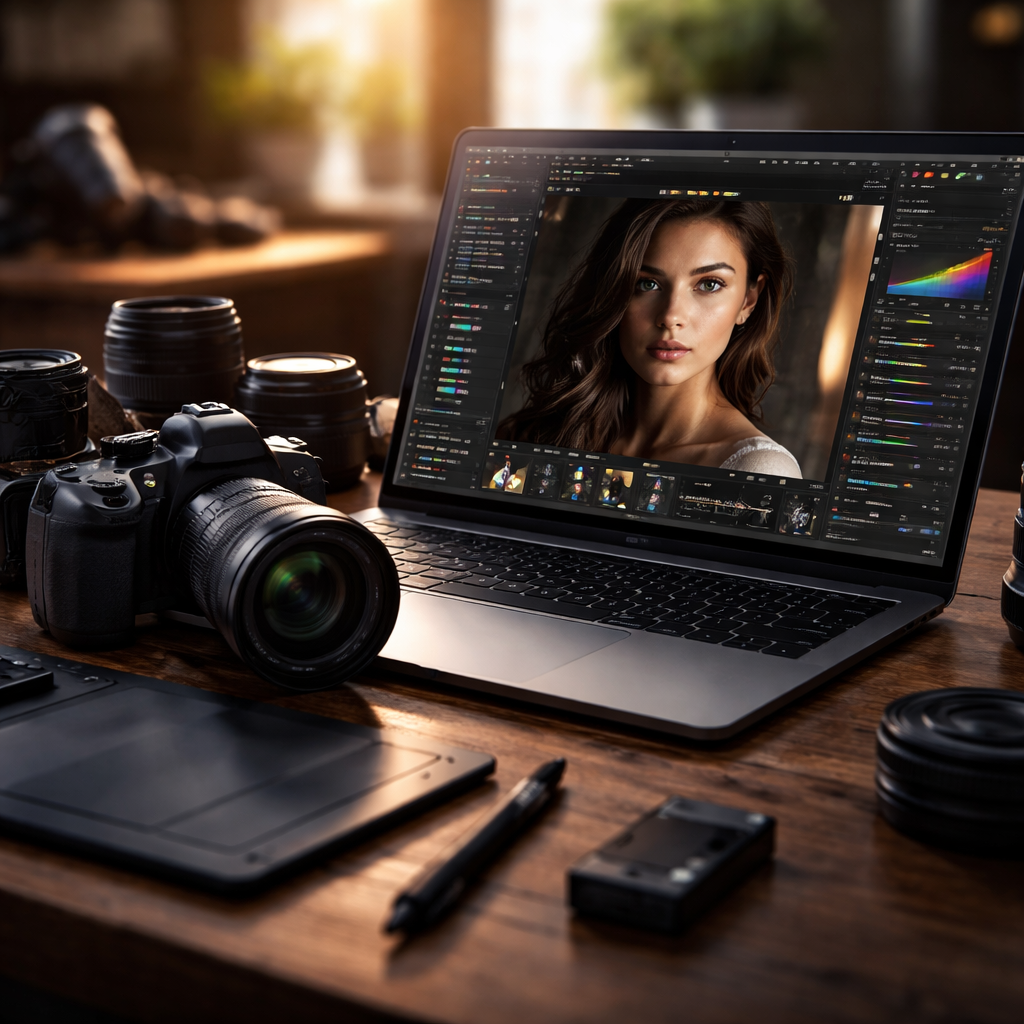
Most photographers hitting a paywall or simply outgrowing Adobe’s subscription model start asking the same question: is there actually a solid alternative to Lightroom that handles RAW editing, color grading, and catalog management without forcing a monthly commitment? The short answer is yes — and in some cases, the alternatives do specific things better.
Why photographers look beyond Adobe
Adobe Lightroom is powerful, no question about it. But it comes with a subscription that never ends, a cloud-dependent workflow that frustrates many professionals, and performance issues on older hardware. These aren’t minor complaints — they’re genuine workflow blockers for a large portion of the photography community.
Beyond pricing, there’s a deeper reason people explore other options: creative control. Some tools offer more granular masking, faster tethered shooting, or a non-destructive editing pipeline that feels more intuitive. Once you start comparing, the Adobe ecosystem starts looking less like a necessity and more like a habit.
Capture One: the professional’s first stop
Capture One has built a strong reputation among commercial photographers and studio professionals. Its color science — particularly how it renders skin tones and handles highlights — is widely regarded as superior to Lightroom’s. The software supports tethered shooting with an extensive list of camera brands and offers layer-based local adjustments that are more flexible than what Adobe provides.
The interface takes some getting used to, and the price tag is not small. But for photographers who need precise color control and work in high-end commercial contexts, the investment often makes sense.
“The difference in color rendering between Capture One and Lightroom becomes most obvious when you’re editing portraits or product photography where accuracy is non-negotiable.”
Darktable: open-source and surprisingly capable
For photographers who want full control without spending anything, Darktable is the most complete free option available. It runs on Windows, macOS, and Linux, supports RAW files from hundreds of cameras, and includes a non-destructive editing workflow built around a parametric masking system that rivals paid software.
The learning curve is steep. Darktable’s interface is not designed for quick onboarding — it assumes the user wants to understand what’s happening under the hood. But once you invest the time, it delivers professional-grade results. Many documentary and editorial photographers use it as their primary tool.
| Software | Price model | RAW support | Best for |
|---|---|---|---|
| Capture One | Subscription or one-time | Excellent | Studio and commercial work |
| Darktable | Free (open-source) | Very good | Budget-conscious professionals |
| ON1 Photo RAW | One-time purchase | Good | All-in-one editing without subscriptions |
| Luminar Neo | Subscription or one-time | Good | AI-assisted creative editing |
| RawTherapee | Free (open-source) | Excellent | Technical users, precision editing |
ON1 Photo RAW: the one-time purchase crowd favorite
ON1 Photo RAW positions itself directly against Adobe by offering a perpetual license model. You buy it once, you own it. The software handles RAW development, layers-based compositing, masking, and even has built-in effects and portrait retouching tools — all inside one application.
It’s not as polished as Lightroom in terms of catalog performance with very large libraries, but for photographers who shoot in moderate volumes and want a full editing suite without ongoing costs, it checks most of the boxes.
Luminar Neo and the AI editing approach
Luminar Neo took a different direction by leaning heavily into artificial intelligence. It offers sky replacement, portrait enhancement, background separation, and object removal — tools that automate tasks that previously required manual work in Photoshop. For photographers who want to spend less time retouching and more time shooting, this approach has real appeal.
Where Luminar Neo falls short is in catalog management and overall library organization. It works better as a creative editing layer than a complete Lightroom replacement. Some photographers use it alongside another DAM (digital asset management) tool rather than as a standalone solution.
RawTherapee: when technical precision matters most
RawTherapee is another free option, but it targets a different user than Darktable. It’s built around extremely precise tone mapping, exposure control, and noise reduction algorithms. The tool is particularly popular among photographers who come from a technical or scientific background and want deep control over every stage of the RAW development process.
- Advanced demosaicing options including AMAZE and DCB algorithms
- Detailed noise reduction with luminance and chrominance control
- Batch processing with queue management
- Full ICC color profile support for print workflows
- No subscription, no license cost — completely free
The interface is dense and not particularly welcoming to new users, but for photographers who process large volumes of landscape or architectural work where fine detail matters, RawTherapee offers capabilities that even paid software struggles to match.
How to actually choose the right tool for your workflow
The decision comes down to three questions: How large is your photo library? What type of photography do you primarily shoot? And how important is the one-time vs. subscription pricing model to you?
Portrait and wedding photographers who need reliable skin tone rendering tend to migrate toward Capture One. Landscape and nature photographers often get excellent results with Darktable or RawTherapee. Photographers who want AI-assisted creative work without a steep learning curve find Luminar Neo fits their style. And those who simply want a complete, subscription-free package closest to the Lightroom experience usually settle on ON1 Photo RAW.
None of these tools are perfect replacements in every sense — each makes different trade-offs. But all of them are genuinely capable of producing professional results when used by someone who understands their own workflow needs. The photography industry has enough mature alternatives now that Adobe’s subscription model is a choice, not a requirement.
