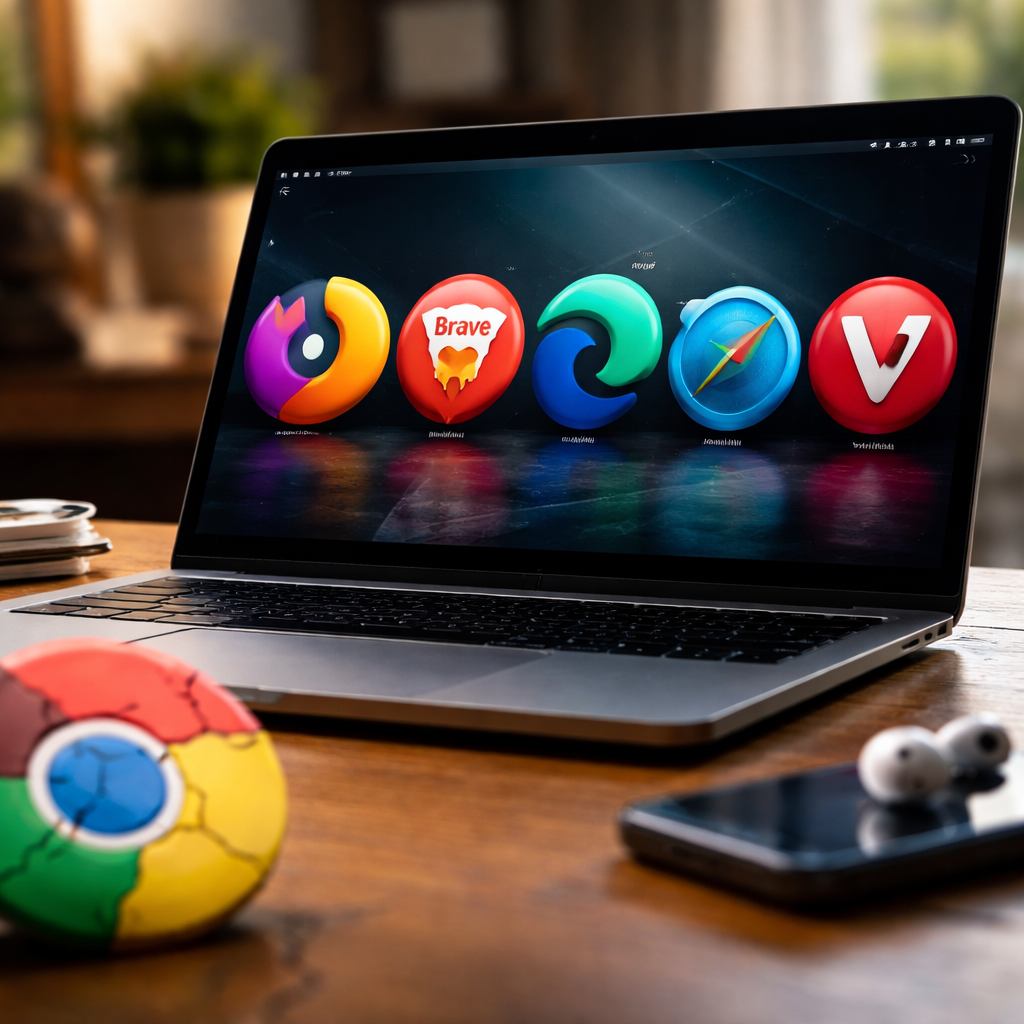
Most people have never questioned their default browser — until it starts eating RAM, draining the battery, or simply feeling sluggish. If you’ve been searching for a reliable alternative to Google Chrome, you’re not alone: millions of users worldwide are quietly switching to browsers that respect their privacy, run faster on older hardware, or simply get out of the way and let you work.
Why people leave Chrome in the first place
Chrome is undeniably powerful, but it comes with trade-offs that have become harder to ignore. Memory usage is the most common complaint — open a dozen tabs and your system fan kicks in like it’s cooling a server room. Beyond performance, there’s a growing awareness of just how much data Google collects through its browser: browsing history, search patterns, location signals, and more. For users who care about digital privacy, that’s a dealbreaker. Others simply want something that feels different — less corporate, more personal.
The browsers worth your attention
The landscape of desktop and mobile browsers has never been more competitive. Each option below solves a real problem — pick the one that matches your actual priorities.
| Browser | Best for | Engine | Open source |
|---|---|---|---|
| Mozilla Firefox | Privacy & customization | Gecko | Yes |
| Brave | Built-in ad blocking & privacy | Chromium | Yes |
| Microsoft Edge | Windows integration & productivity | Chromium | Partial |
| Safari | Apple ecosystem & battery life | WebKit | Partial |
| Vivaldi | Power users & tab management | Chromium | Partial |
| Opera GX | Gamers & resource control | Chromium | No |
Firefox: the browser that never stopped fighting for the open web
Firefox has been around long enough to earn genuine trust. Unlike most alternatives, it runs on Mozilla’s own Gecko engine — meaning it’s completely independent from Google’s Chromium codebase. That independence matters: Mozilla is a non-profit organization whose mission is explicitly tied to internet health, not advertising revenue. Firefox offers robust tracker blocking out of the box, a highly customizable interface, and a rich extension library. It’s also one of the few browsers that works consistently well across Windows, macOS, Linux, Android, and iOS.
“Firefox Enhanced Tracking Protection blocks thousands of trackers by default — without requiring you to install a single extension.”
Brave: when privacy is the product, not the user
Brave takes a more aggressive approach. It blocks ads and cross-site trackers at the network level before a page even loads, which means pages often render noticeably faster — especially on ad-heavy news sites. Because it’s built on Chromium, nearly all Chrome extensions work without modification, making the switch painless for most users. Brave also includes a built-in VPN option, fingerprinting protection, and a private search engine called Brave Search. If you want the Chrome experience without the Google surveillance layer, Brave is the closest match.
A practical note on extensions
One reason people hesitate to leave Chrome is the extension ecosystem. The good news: Brave, Edge, and Vivaldi all support the Chrome Web Store directly. Firefox has its own extension library which covers virtually every popular tool. The gap that existed years ago has largely closed.
Microsoft Edge and Vivaldi: two very different kinds of power users
Edge surprises a lot of people who dismissed it as “Internet Explorer’s replacement.” The current version is a capable, Chromium-based browser with solid PDF tools, vertical tabs, a built-in screenshot annotator, and deep integration with Microsoft 365. For anyone working heavily in Word, Excel, or Teams, Edge removes friction in ways that Chrome simply doesn’t offer. It’s also notably lighter on RAM than Chrome when running the same number of tabs.
Vivaldi sits at the opposite end of the personalization spectrum. It’s built for users who find even advanced browsers too limiting. You can stack tabs, tile multiple pages side by side in a single window, set custom keyboard shortcuts for virtually any action, and build detailed browsing workflows. It’s not the browser for someone who wants simplicity — but for researchers, writers, or developers who live in the browser all day, it’s genuinely transformative.
How to choose without overthinking it
The honest answer is that no single browser is objectively best — it depends on what frustrates you about your current setup. Here’s a simple way to narrow it down:
- If your main concern is privacy and you don’t want to tinker — try Brave.
- If you value open-source software and extension flexibility — Firefox is the answer.
- If you use Windows and Microsoft tools daily — Edge will feel natural and fast.
- If you’re on a Mac and want the best battery life — Safari is hard to beat.
- If you want total control over your browsing environment — give Vivaldi a week.
Most of these browsers let you import your Chrome bookmarks, passwords, and history in a single click during setup. The switching cost is genuinely low — lower than most people expect.
The browser you use shapes how the internet treats you
It’s easy to treat the browser as a neutral tool — a window to the web that doesn’t have opinions. But the browser you use determines which trackers follow you, how quickly pages load, how much battery your laptop burns through a workday, and whether your passwords are stored in a system that profits from your data. Switching browsers isn’t a dramatic act, but it is a meaningful one. The options available right now are genuinely excellent — well-maintained, fast, and in many cases more thoughtfully designed than Chrome. Trying one costs nothing and takes about three minutes. That’s a pretty good deal for something you use every single day.
