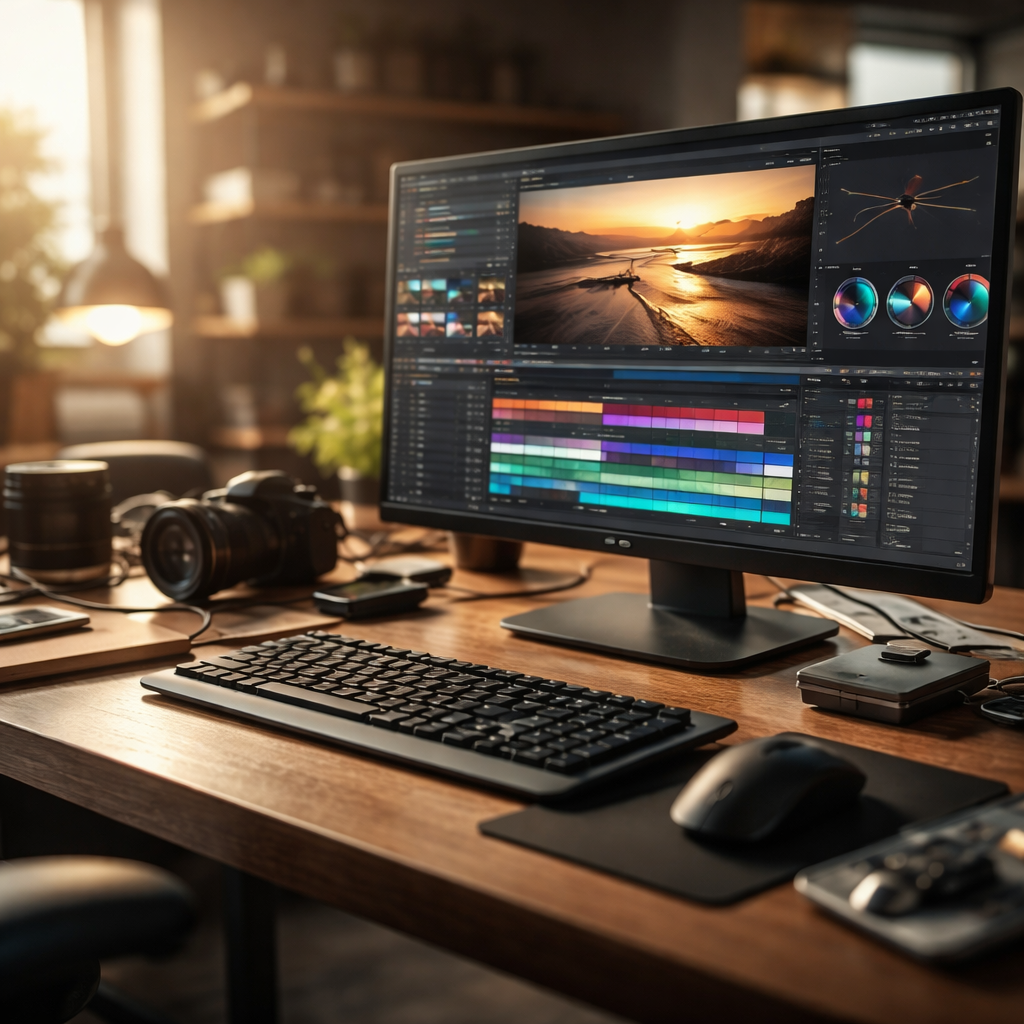
Switching away from Adobe Premiere Pro does not mean sacrificing quality — in fact, many video editors discover that alternative tools better match their workflow, budget, or creative style. Whether you’re a freelancer managing costs, a student just starting out, or a professional looking for a faster editing experience, the market offers genuinely powerful options worth exploring.
Why editors start looking for something different
Adobe’s subscription model is one of the most common reasons people begin searching for a real alternative to Adobe Premiere Pro. Paying a monthly fee indefinitely doesn’t sit well with everyone, especially when project volume varies throughout the year. Beyond pricing, some editors run into performance issues on older hardware, steep learning curves for new team members, or simply want a tool that feels lighter and more responsive.
None of these reasons make Premiere a bad product — it remains one of the most capable video editing platforms available. But the ecosystem around video editing has grown significantly, and several competitors now offer professional-grade features without the same drawbacks.
DaVinci Resolve: the most serious contender
Blackmagic Design’s DaVinci Resolve is consistently the first name that comes up in professional editing communities. The free version is not a stripped-down demo — it includes a full non-linear editing timeline, multi-track audio tools, the industry-respected Fusion compositing module, and the color grading suite that Hollywood colorists actually use on major productions.
“DaVinci Resolve’s color science is the reference point for the entire industry. Other tools are measured against it.”
The paid Studio version adds noise reduction, certain AI-powered tools like Magic Mask and speed warp, and collaboration features for larger teams. For most independent editors, the free version covers everything they need. The main learning investment is understanding the page-based interface — each dedicated workspace (Cut, Edit, Color, Fairlight, Fusion) has its own logic, which can feel unfamiliar at first but becomes genuinely efficient once you adapt.
Final Cut Pro: purpose-built for Mac users
If you’re working on Apple hardware, Final Cut Pro deserves serious attention. It’s a one-time purchase rather than a subscription, and it’s been optimized specifically for Apple Silicon chips, which means it often outperforms other editing software on M-series Macs in terms of render speed and real-time playback.
The Magnetic Timeline is a workflow concept that divides opinion — some editors find it liberating, others prefer a more traditional track-based approach. What’s difficult to argue with is the software’s stability, its deep integration with macOS, and the export quality when targeting Apple devices or platforms like YouTube and Vimeo.
Kdenlive and other free open-source options
Not every project requires a high-end tool, and not every editor has a budget for paid software. Kdenlive is an open-source video editor available on Linux, macOS, and Windows that handles multi-track editing, transitions, keyframe animation, and a respectable set of built-in effects. It’s actively maintained and has improved considerably in stability and feature depth over recent versions.
Other open-source options include Shotcut, which supports a wide range of formats natively, and OpenShot, which trades advanced features for simplicity and is a reasonable starting point for beginners.
| Software | Platform | Pricing | Best for |
|---|---|---|---|
| DaVinci Resolve | Windows, macOS, Linux | Free / Studio one-time fee | Professional editing and color grading |
| Final Cut Pro | macOS only | One-time purchase | Mac users, fast export workflows |
| HitFilm | Windows, macOS | Free base / paid add-ons | Editors who need VFX tools |
| Kdenlive | Windows, macOS, Linux | Free, open-source | Budget editors, Linux users |
| Shotcut | Windows, macOS, Linux | Free, open-source | Beginners, format compatibility |
HitFilm: when editing meets visual effects
HitFilm occupies an interesting space between video editing and visual effects compositing. Its free version gives access to a node-based compositing environment alongside standard timeline editing, making it attractive for content creators who regularly work with motion graphics, green screen footage, or special effects without wanting to pay for a separate application like After Effects.
The trade-off is that the interface is more complex than a standard NLE, and some advanced features are locked behind paid add-on packs. Still, for the right type of creator — particularly those making short films, YouTube content with effects, or promotional videos — the free version delivers impressive capability.
How to choose without second-guessing yourself
The best approach is to define what actually matters for your specific work before downloading anything. Ask yourself three practical questions:
- What type of content do you edit most — long-form interviews, short social clips, narrative films, corporate videos?
- Do you work alone or with a team that needs to share project files?
- Is color grading a significant part of your post-production, or is it a minor finishing step?
Your answers will narrow down the options quickly. A solo creator making YouTube tutorials will have very different priorities from a colorist on a documentary project. There’s no single correct answer — and that’s actually the point. The variety of tools available today means the market is more competitive and more accommodating than it has ever been.
The switch is more manageable than it looks
Muscle memory is real in video editing — keyboard shortcuts, panel layouts, and habits built over years don’t disappear overnight. But most professional alternatives offer customizable keyboard shortcuts, and the core concepts of non-linear editing transfer across platforms. Within a few weeks of consistent use, the new environment typically starts to feel natural.
The editors who struggle most during transitions are those who try to replicate their old software exactly. A more productive mindset is to approach the new tool on its own terms, learning how it’s designed to be used rather than forcing it to behave like what you’re replacing. That shift in perspective often leads to discovering genuinely better ways of working.
