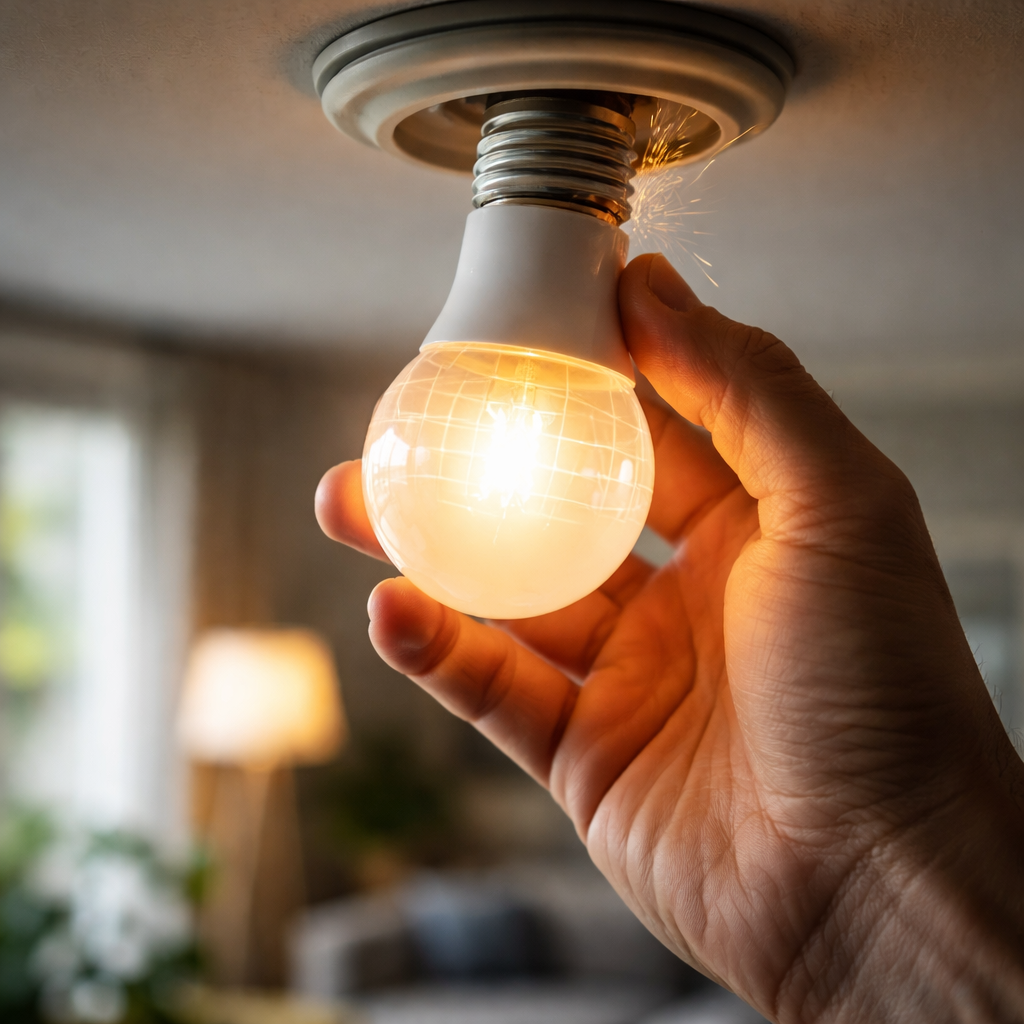
That subtle, almost hypnotic flicker from a ceiling fixture or a desk lamp is one of those household problems that starts as a minor annoyance and quietly turns into something you genuinely can’t ignore. If you’ve been trying to figure out how to fix a flickering LED light, you’re likely dealing with one of several distinct causes — and the good news is that most of them don’t require an electrician or expensive equipment to resolve.
Why LED lights flicker in the first place
Unlike traditional incandescent bulbs, LED lights are sensitive to voltage changes, incompatible dimmers, and even the quality of the driver inside the bulb itself. That sensitivity is part of what makes them energy-efficient — but it’s also what makes them prone to flickering when something in the electrical setup isn’t quite right.
There are two types of flickering worth distinguishing: visible flickering, which you can clearly see with the naked eye, and invisible flickering, which happens at frequencies too fast to detect consciously but can still cause eye strain and headaches over time. Both types share similar root causes, so the troubleshooting process is largely the same.
The most common culprits behind LED flickering
Before reaching for a screwdriver, it helps to understand what’s actually going wrong. Flickering rarely comes from just one place — it’s usually a combination of factors in the circuit.
- Incompatible dimmer switches — most older dimmers were designed for incandescent bulbs and don’t communicate properly with LED drivers
- Loose wiring connections at the socket, switch, or junction box
- Overloaded circuits where multiple high-draw appliances share the same line
- Low-quality LED bulbs with poorly regulated internal drivers
- Voltage fluctuations coming from the utility supply itself
- Bulbs that aren’t screwed in securely, creating intermittent contact
Understanding the source matters because each fix is different. A dimmer issue requires a different solution than a wiring problem, and confusing the two means you’ll waste time and possibly money.
Step-by-step: working through the problem
Start with the simplest checks before moving to anything that involves the electrical panel or wiring. This approach saves time and helps you pinpoint the issue logically.
Check the bulb itself
Turn off the fixture and let the bulb cool down. Once it’s safe to touch, unscrew it and inspect the base for any signs of corrosion or damage. Screw it back in firmly — a bulb that sits slightly loose in its socket will flicker under load. If the flickering stops, the fix was that straightforward.
If the problem continues, swap the bulb for a different one — ideally from a reputable manufacturer. Cheap LED bulbs often use underpowered or poorly filtered drivers that cause flicker even on a perfectly healthy circuit.
Look at your dimmer switch
This is the single most common cause of LED flickering in residential settings. Dimmer switches work by rapidly switching power on and off — the speed of that switching determines the brightness. Older trailing-edge or leading-edge dimmers designed for incandescent bulbs often can’t modulate power cleanly for LEDs.
If you have a dimmer switch and a flickering LED, assume the dimmer is the problem until you’ve ruled it out. Replacing it with an LED-compatible dimmer is one of the most reliable fixes available.
Look for dimmers labeled as “LED compatible” or “trailing-edge” dimmers — these are specifically designed to work with the lower wattage and different electrical characteristics of LED lighting. Also check that the bulb’s wattage is within the dimmer’s rated load range. Running too few watts on a dimmer can cause flickering just as much as running too many.
Inspect the wiring connections
If replacing the bulb and checking the dimmer doesn’t resolve the issue, the next step is checking connections — but this step requires comfort with basic electrical work. Always turn off the circuit breaker before opening any fixture or switch.
Loose wire nuts in the junction box, a poorly connected neutral wire, or a corroded terminal at the switch can all cause intermittent flickering. Gently tug each wire to confirm it’s seated properly. If you find anything that seems loose or burnt, tighten or replace the connection.
| Problem | Likely cause | Fix |
|---|---|---|
| Flickering on a dimmer | Incompatible dimmer switch | Replace with LED-rated dimmer |
| Flickering in one fixture only | Loose bulb or bad socket contact | Reseat bulb, clean socket |
| Flickering throughout the house | Voltage fluctuations from utility | Contact electricity provider |
| Flickering after appliances turn on | Circuit overload | Redistribute loads or upgrade wiring |
| New bulb flickers immediately | Low-quality LED driver | Replace with higher-quality bulb |
When the issue is bigger than the bulb
Sometimes flickering is a symptom of something happening at the circuit level. If lights flicker throughout multiple rooms — especially when large appliances like a washing machine, air conditioner, or refrigerator kick on — that points to voltage drop or an overloaded circuit rather than a problem with any individual fixture.
A simple way to test this: plug a lamp into different outlets around the house and observe whether the flicker follows the lamp or stays in one location. If it follows the lamp, the bulb or fixture is the issue. If the flicker is location-specific, focus your attention on that circuit.
Whole-home flickering tied to appliance use can sometimes be addressed by redistributing devices across different circuits. In older homes, the wiring itself may simply not be equipped to handle modern electrical loads, and an upgrade is necessary. In that case, consulting a licensed electrician is the responsible path forward.
A practical tip worth keeping in mind
When purchasing LED bulbs, check for models that carry a TRIAC or phase-cut dimming specification if you plan to use them on a dimmer. Bulbs labeled “dimmable” alone don’t guarantee compatibility — the dimming technology has to match on both ends.
Choosing better bulbs to prevent the problem from returning
Once you’ve resolved the flickering, it’s worth thinking about what to install going forward. The quality of an LED bulb’s driver circuit — the component that regulates power delivery — is the most important factor in long-term stability. High-quality drivers smooth out voltage variations and resist flicker even on imperfect circuits.
Look for bulbs with a high Power Factor (ideally above 0.9) and a flicker index close to zero. Some manufacturers now publish flicker percentage data openly — that transparency is usually a sign of a better-engineered product. Bulbs certified by recognized electrical safety organizations tend to have tighter quality control over their internal components.
Color temperature and CRI ratings matter for aesthetics, but for flicker prevention, it’s the driver quality that carries the most weight. A slightly more expensive bulb from a reputable brand will generally outperform a budget option across its entire lifespan.
What to do if nothing seems to work
If you’ve worked through every step — replaced the bulb, swapped the dimmer, tightened all connections, confirmed the circuit isn’t overloaded — and the flickering persists, it’s time to bring in a professional. Persistent flickering that can’t be explained by the obvious causes may point to a fault in the wiring inside the wall, a problem at the breaker panel, or an issue with the utility supply to your home.
None of those are situations to troubleshoot without proper tools and training. An electrician can use a multimeter and clamp meter to measure actual voltage and current at each point in the circuit, giving you a clear picture of where the problem originates. That diagnostic information is far more reliable than guesswork, and it keeps you safe in the process.
Flickering lights are rarely dangerous on their own, but they can be a signal that something in the electrical system needs attention. Taking the time to investigate properly — rather than simply unscrewing the bulb and forgetting about it — is always the better approach.
