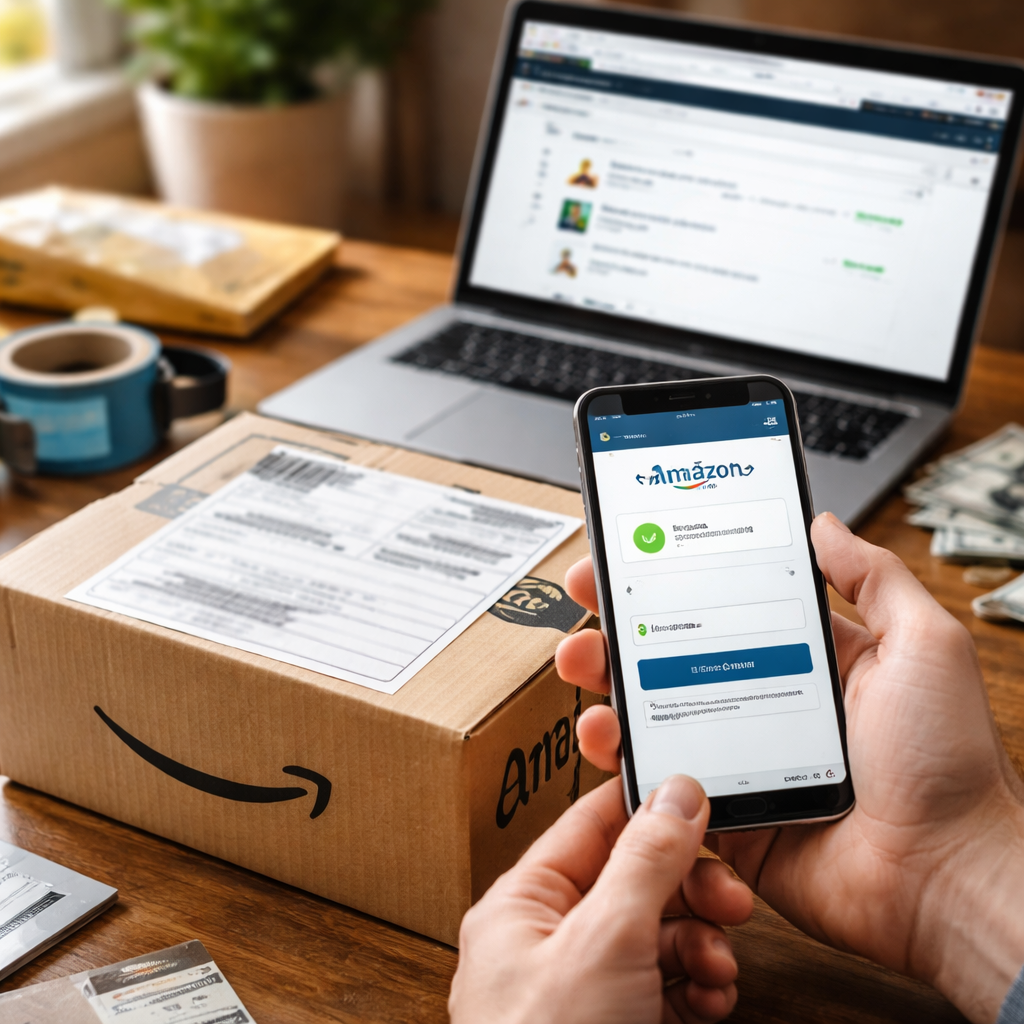
Most people assume getting money back from an online purchase is complicated, but knowing how to get a refund from Amazon can actually be surprisingly straightforward — if you know where to look and what steps to follow. The process varies depending on what you bought, who sold it, and how you paid, so understanding the system beforehand saves a lot of frustration.
What Amazon’s return policy actually covers
Amazon operates under a fairly generous return window for most items — typically 30 days from the date of delivery. Items sold directly by Amazon and fulfilled by Amazon (FBA) usually fall under the standard return policy, but third-party sellers may have different terms. Before initiating anything, it’s worth checking the product page for specific return eligibility, especially for electronics, digital goods, and items marked as non-returnable.
Some categories have their own rules. Large appliances, hazardous materials, and customized products are often excluded from standard returns. Meanwhile, items like clothing and shoes tend to have more flexibility. Knowing which category your item falls into before you contact support can save you from going back and forth unnecessarily.
Step-by-step: how to request a refund
The refund process starts in your account. Here’s what the typical flow looks like:
- Go to your Amazon account and open “Returns & Orders” in the top-right corner.
- Find the order you want to return and click “Return or Replace Items.”
- Select the item and choose a reason for the return from the dropdown menu.
- Pick your preferred return method — drop-off at a locker, courier pickup, or mail-in with a label.
- Print your return label (if required) and send the item back.
- Once Amazon receives the item, the refund is processed to your original payment method.
In most cases, if the refund is approved and the item is on its way back, you’ll see the money returned within 3 to 5 business days for credit cards, or up to 10 business days for bank accounts. Gift card refunds are usually instant.
If you paid with a debit card and the refund seems delayed, check with your bank — processing times on their end can add extra days beyond Amazon’s own timeline.
When the seller is a third party
Shopping through Amazon’s marketplace means you’re sometimes buying from an independent seller, not Amazon itself. In this case, the return and refund process runs through Amazon’s A-to-Z Guarantee, which exists specifically to protect buyers when a third-party transaction goes wrong.
If a seller refuses to accept a return or stops responding, you can file an A-to-Z Guarantee claim directly through Amazon. This gives Amazon the authority to step in and issue a refund even without seller cooperation. You’ll need to wait at least 3 business days after contacting the seller before filing the claim.
What the A-to-Z Guarantee covers
| Situation | Covered by A-to-Z? |
|---|---|
| Item never arrived | Yes |
| Item arrived damaged | Yes |
| Item significantly different from description | Yes |
| Seller refused refund without valid reason | Yes |
| Buyer changed their mind (no fault) | Depends on seller policy |
| Digital goods or services | Generally not covered |
Refunds without returning the item
In some situations, Amazon may issue what’s called a “returnless refund.” This typically happens when the cost of shipping the item back would exceed its value, or when the item is damaged and returning it doesn’t make practical sense. Amazon representatives can authorize this during a chat or phone call, though it’s not always guaranteed.
If you received the wrong item or something that arrived broken, take photos before doing anything else. Visual evidence makes the refund conversation much smoother and significantly reduces the chance of a dispute.
A few scenarios where this applies
- A low-cost item that would cost more to ship back than it’s worth
- A product that arrived broken and can’t be resold anyway
- An item that posed a safety concern upon arrival
- Clearly wrong item sent (especially if the correct one is no longer needed)
Contacting Amazon support the right way
Amazon offers several ways to get in touch — live chat, phone callback, and email. Live chat tends to be the fastest for straightforward refund requests. Phone callbacks work well when the situation is more complicated and you want to explain things clearly in real time.
Always have your order number ready before starting any conversation with support. It cuts the back-and-forth significantly and helps agents pull up your case immediately.
When speaking with a representative, be direct and specific: mention the order number, describe the issue briefly, and state clearly what resolution you’re looking for — whether that’s a replacement, a partial refund, or a full refund. Agents are generally empowered to resolve most issues on the first contact.
Prime members and digital purchases
Amazon Prime subscriptions, Prime Video rentals, Kindle books, and other digital purchases follow different refund rules. Kindle books, for instance, can be returned within 7 days of purchase as long as you haven’t read too much of the content. Prime Video rentals are generally non-refundable once you’ve started watching.
If you were charged for a Prime renewal you didn’t intend, Amazon does consider refunds on a case-by-case basis, especially if you contact them shortly after the charge. It’s not automatic, but it’s worth asking — and many users report success when they reach out promptly.
What to do if your refund request gets denied
A denied refund isn’t necessarily the end of the road. If you believe the decision was incorrect, you can escalate the issue. Here are a few options worth exploring:
- Request to speak with a supervisor or senior Amazon representative.
- File an A-to-Z Guarantee claim if the purchase involved a third-party seller.
- Contact your bank or credit card company about a chargeback if the product was clearly not as described or never arrived.
- Leave a factual, detailed review of your experience — this sometimes prompts a response from the seller.
Chargebacks should be used as a last resort, since initiating one while also having an open Amazon claim can complicate the process. But if Amazon’s support hasn’t resolved a legitimate issue after multiple attempts, it’s a valid consumer protection tool.
Making the most of Amazon’s system as a buyer
Understanding how Amazon’s refund and return ecosystem works puts you in a much stronger position whenever something goes wrong with an order. The platform has built-in protections that genuinely favor the buyer in most situations — but you need to know how to use them. Keep your order history organized, act within the return window, and don’t hesitate to contact support when something isn’t right. The refund process, once you’ve gone through it once or twice, becomes second nature.
