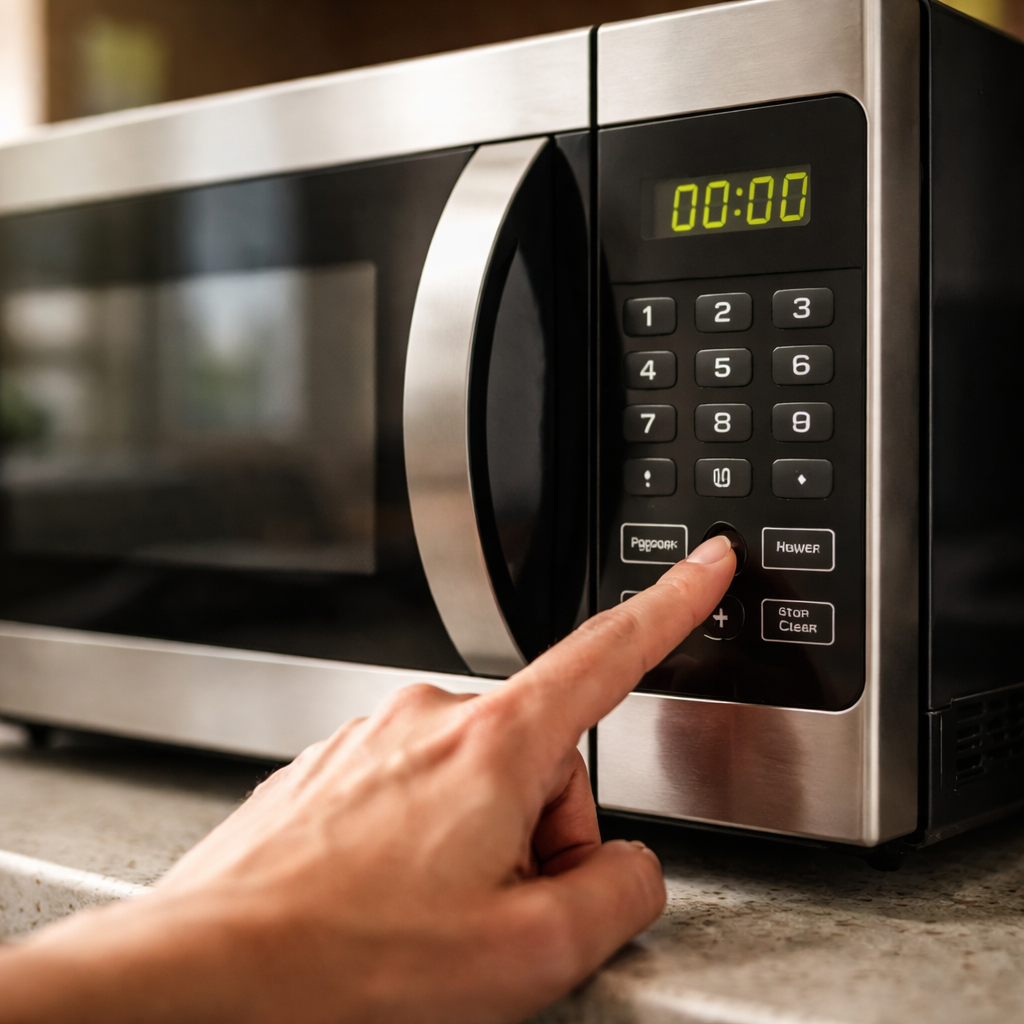
You press a button and nothing happens. Then you try again — still nothing. If your microwave buttons not working is the problem you’re dealing with right now, you’re not alone, and the fix might be simpler than you think.
Why the control panel stops responding
Most people assume a dead control panel means a dead microwave. That’s rarely true. The touchpad on a microwave is a layered membrane switch — essentially a sheet of pressure-sensitive circuits printed on flexible material. Over time, moisture, grease, or just repeated use causes the layers to separate or corrode. When that happens, one button or the entire panel can stop registering input.
There are also cases where the issue isn’t the buttons themselves but the control board behind them. The board interprets the signals from the touchpad. If it malfunctions — due to a power surge, for example — the panel may appear fine but produce no result when pressed.
Start here before assuming the worst
Before you call a technician or start shopping for a replacement, run through this quick checklist. Many unresponsive microwave keypads come back to life after one of these steps:
- Unplug the microwave from the wall outlet, wait 60 seconds, then plug it back in. This resets the internal control system and clears temporary faults.
- Check whether the child lock feature is activated. On most models, a small padlock icon or the word “LOCK” appears on the display when this mode is on. Holding a specific button for 3–5 seconds usually disables it — check your manual for the exact key.
- Inspect the display. If it’s blank, the issue may be a blown internal fuse rather than the keypad itself.
- Clean the panel surface. Grease or liquid residue around the edges of buttons can interfere with capacitive touch panels. Use a slightly damp cloth — never spray cleaner directly onto the surface.
A microwave that shows error codes but won’t accept button input often has a control board issue, not a keypad issue. These two components are frequently confused but require different repairs.
When it’s the membrane keypad — and what to do
If only certain buttons have stopped working — say, the number 3 or the Start key — the membrane overlay is likely the culprit. This is actually one of the more straightforward microwave repairs. Replacement membrane keypads are widely available for most major brands and cost between $10 and $40 depending on the model.
The repair process involves removing the outer door panel or control panel housing, disconnecting the ribbon cable that links the keypad to the control board, and pressing the new keypad into place. No soldering is required in most cases. That said, if you’re not comfortable opening an appliance, this is a job best handed to a qualified technician — microwave capacitors can hold a lethal charge even when unplugged.
Control board failure vs. keypad failure — how to tell the difference
Diagnosing whether the problem is the keypad or the control board matters because the cost and complexity of each repair differ significantly. Here’s a practical comparison:
| Symptom | Likely cause | Typical repair cost |
|---|---|---|
| Only specific buttons don’t respond | Membrane keypad failure | $10–$40 (part only) |
| All buttons unresponsive, display works | Control board or ribbon cable | $50–$150+ |
| Display blank, no response at all | Blown fuse or power issue | $5–$20 (fuse) |
| Random inputs registered without pressing | Damaged or shorted membrane | $10–$40 (part only) |
If multiple buttons fail at once after a power outage, the control board is the more probable cause. If wear and tear over months led to individual buttons losing sensitivity, the membrane is what needs replacing.
Brand-specific quirks worth knowing
Some microwave brands have documented patterns with keypad failures. Panasonic and GE models from certain product lines are known for membrane delamination after prolonged steam exposure — placing the microwave above a stovetop without adequate ventilation accelerates this. Samsung units occasionally freeze due to software glitches in the control board that mimic button failure but are resolved with a reset.
LG microwaves sometimes display a “SE” or “6E” error code when the touchpad is faulty — this is the unit’s way of flagging a keypad communication error rather than a hardware burn. Whirlpool and Maytag, which share components across models, tend to have more affordable replacement keypads due to parts standardization.
Repair or replace — making the practical call
The standard advice in appliance repair holds up here: if the cost of fixing a unit exceeds 50% of the cost of a comparable new model, replacement tends to make more financial sense. A membrane keypad repair at $15–$40 is almost always worth it. A control board replacement on an older microwave that already has other wear issues might not be.
Consider the age of the unit as well. Microwaves typically have a reliable lifespan of 9–10 years with normal use. If yours is approaching or past that range and the buttons are just the latest in a series of problems, that context matters.
One practical middle ground: if a technician’s diagnostic visit is needed anyway, ask them to assess the overall condition of the unit while they’re there. That way you get a full picture rather than fixing one component only to have another fail shortly after.
